



Description
Download Spoof Call Fake Caller ID APK – prank call, fake caller ID, voice changer, SMS spoofing, mobile prank app
Overview
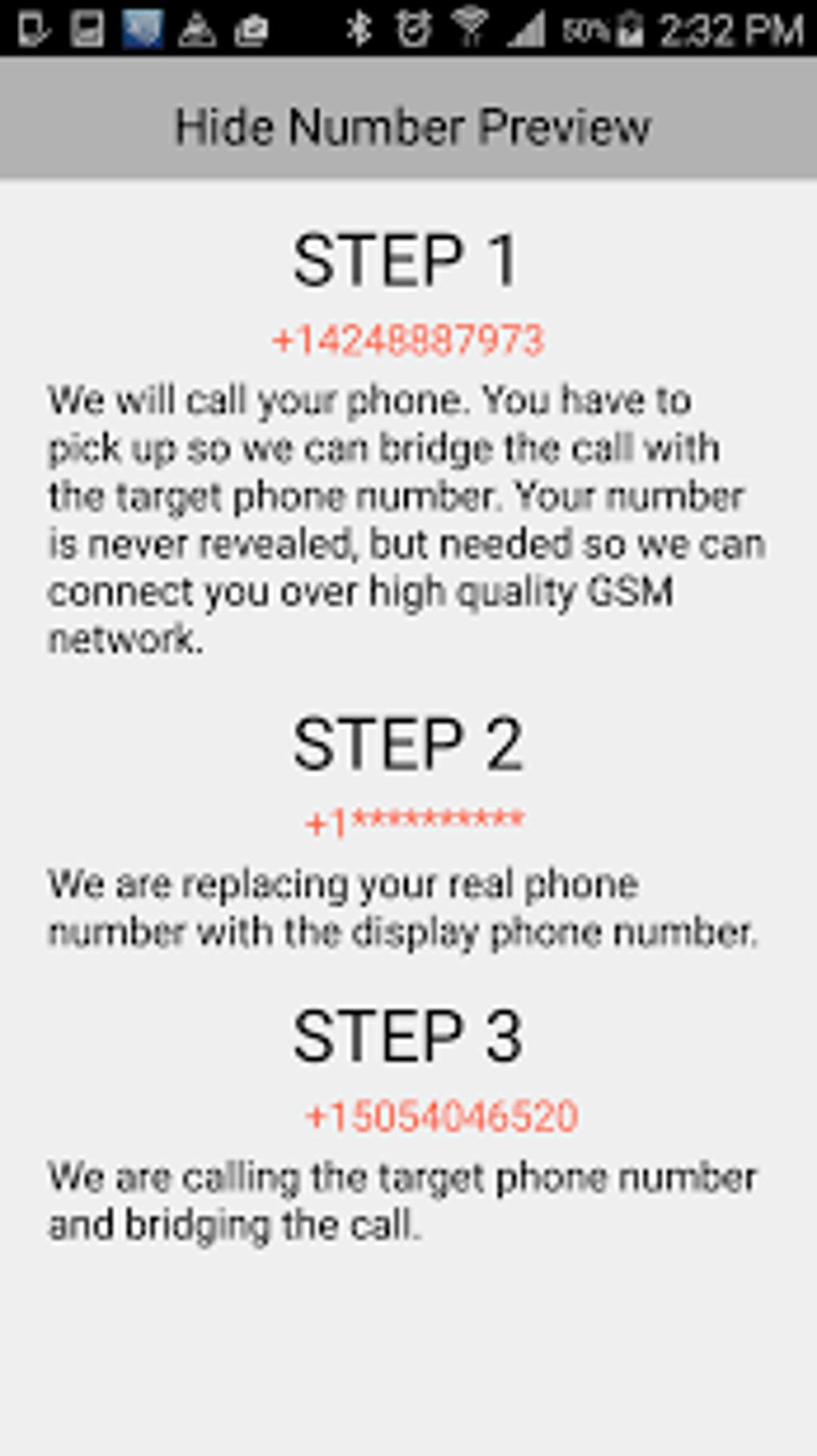
Spoof Call Fake Caller ID is a mobile application designed for users seeking to engage in playful or humorous communication through spoofed calls and messages. The app enables users to mask their real phone number by displaying a different caller ID, allowing for anonymous or disguised calls. This functionality is particularly useful for prank calls, social experiments, or creative messaging scenarios. The app is developed by MyPhoneRobot and functions as a tool for altering identity during phone interactions. It supports both voice calls and SMS spoofing, allowing users to send messages that appear to originate from a different number. The app also includes a voice changer feature, which modifies the user’s voice in real time during a call, enhancing the illusion of a different identity. While the app is marketed as a fun and interactive tool, it is important to note that its use may raise ethical or legal considerations depending on jurisdiction and intent. The developer did not provide additional information about intended use cases beyond entertainment. The app is available for free download, though individual features require payment per use.
Key Features & Capabilities
- Caller ID Spoofing: Allows users to display a custom phone number during outgoing calls, masking the original caller’s identity.
- Real-Time Voice Changer: Modifies the user’s voice during a call, enabling impersonation or comedic effect.
- Pre-Recorded Audio Messages: Offers a library of ready-to-use prank calls that sound natural and convincing.
- Text-to-Call Functionality: Enables users to type a message, which is then converted into a spoken call using text-to-speech technology.
- SMS Spoofing: Sends text messages with a fake sender ID, making it appear as if the message came from a different number.
- Auto-Disclaimers: Automatically sends a follow-up message after 5–10 minutes stating the previous message was a joke, adding a safety mechanism.
These features are designed to enhance the realism and effectiveness of prank calls. For example, a user could send a spoofed message pretending to be from a bank, then later send a disclaimer to clarify the prank. The voice changer can be used during live calls to impersonate a celebrity or friend. The text-to-call feature allows for creative, automated prank scenarios. The app’s functionality is limited to mobile platforms and relies on internet connectivity for most operations. The developer did not specify technical limitations or compatibility details beyond general mobile app behavior.
User Interface, Workflow & Performance
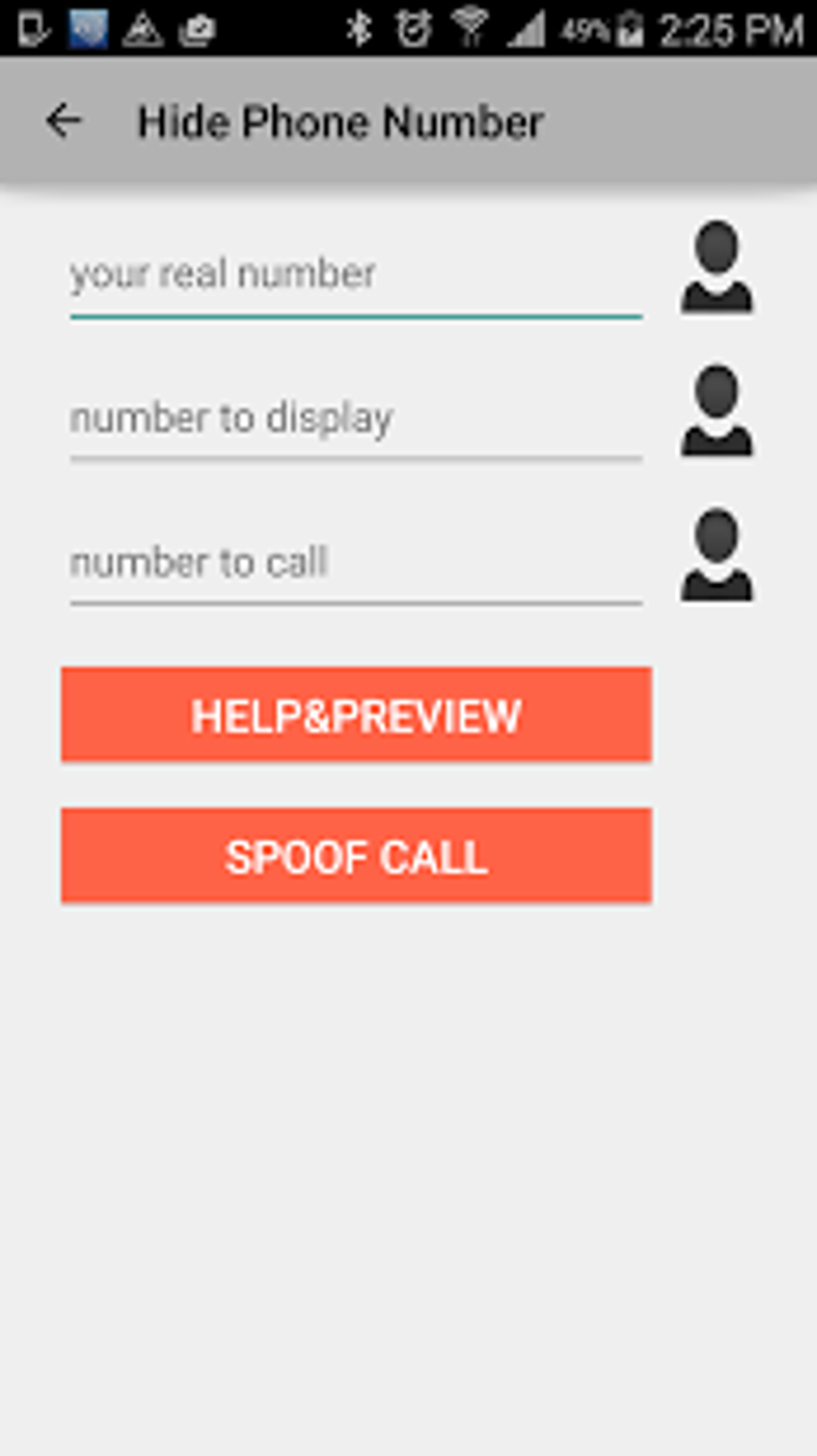
The app features a straightforward interface focused on core prank functionalities. Navigation is primarily linear, with main actions accessible from a central dashboard. Users can select spoof call, voice change, message spoofing, or pre-recorded audio options. The workflow is designed to be intuitive, requiring minimal steps to initiate a prank. For instance, selecting a fake number and pressing call starts the process immediately. The user experience is optimized for quick execution, which aligns with the app’s purpose as a casual tool. Performance observations are based on general software behavior patterns. The app may consume moderate system resources during active calls or voice processing. The developer did not specify resource usage details. Stability during prolonged use was not documented. No information was provided about background behavior, battery consumption, or CPU/RAM usage. Users should expect typical mobile app performance, with potential delays during voice modulation or data transmission.
Compatibility & System Requirements
Spoof Call Fake Caller ID is designed for mobile devices and is available as an APK file for Android platforms. The app supports Android operating systems, though specific version compatibility was not listed. Installation size is not specified. The developer did not provide exact system requirements. Compatibility information is limited to general mobile device support. No information was provided about iOS or other platforms. Hardware requirements were not detailed. Users should ensure their device meets standard Android app installation criteria. The app may require permissions such as phone calls, SMS access, and internet connectivity. Exact performance details were not specified.
Pros and Cons
Pros
- Simple and intuitive interface for quick prank setup
- Multiple prank tools including voice changer and SMS spoofing
- Pre-recorded audio options enhance realism
- Auto-disclaimer feature adds a layer of ethical safety
- Free to download, allowing trial without upfront cost
Cons
- Charges per feature use, leading to potential high costs with frequent use
- No free tier for core features; all functions require payment
- Limited transparency about pricing structure and billing frequency
- May raise privacy or legal concerns depending on usage context
- Performance and system impact details not disclosed
FAQ Section
Is Spoof Call Fake Caller ID available for iOS?
The app is currently only available as an APK for Android devices. No official iOS version was provided.
Is the app safe to use?
The app functions as intended but may pose risks if used inappropriately. Users should be aware of legal and ethical implications, especially when spoofing numbers or sending messages.
How does the app charge users?
Each feature, including spoof calls and messages, requires payment. Charges are applied per use, with no free trial or subscription model disclosed.
Can I use the app offline?
Offline functionality is limited. Most features require internet connectivity for caller ID spoofing and message delivery.
What happens after I send a spoofed message?
The app automatically sends a follow-up message after 5–10 minutes to clarify that the previous message was a joke.
Final Thoughts
Spoof Call Fake Caller ID delivers on its promise as a prank-focused mobile tool with a range of identity-altering features. Its voice changer, SMS spoofing, and pre-recorded audio options make it effective for playful deception. However, the pay-per-use model presents a significant drawback, as costs can accumulate quickly with repeated use. While the app is free to download, users must pay for every action, which may deter long-term or frequent usage. The auto-disclaimer feature adds a responsible layer, helping mitigate potential misuse. Overall, the app is best suited for occasional users seeking entertainment. For those looking for a fun way to prank friends, Spoof Call Fake Caller ID offers a functional and accessible solution. However, careful budgeting is advised due to the billing structure. Download Spoof Call Fake Caller ID now.
Guides & Tutorials for Spoof Call Fake Caller Id APK
How to install Spoof Call Fake Caller Id APK
- Click the Preview / Download button above.
- Once redirected, accept the terms and click Install.
- Wait for the Spoof Call Fake Caller Id APK download to finish on your device.
How to use Spoof Call Fake Caller Id APK
This software is primarily used for its core features described above. Open the app after installation to explore its capabilities.
User Reviews for Spoof Call Fake Caller Id APK 0
No reviews found





